
Lawyers write more than almost any other profession. Client emails. Internal memos. Demand letters. Contract revisions. Case summaries. Discovery responses. And at the end of the day, time entries for all of it.
Most of this writing is formal English prose. You know what you want to say. You know the structure. You know the tone. The bottleneck is getting it from your head to the screen at 40 words per minute.
Dictation removes that bottleneck. You speak at 150 words per minute. Your thoughts become polished text. And you reclaim hours each week that you were spending on typing.
This Is Dictation, Not Transcription
Before going further, let's clear up a common confusion.
Transcription converts recorded audio into text after the fact. Deposition recordings, client interviews, court proceedings. That's a different category.
Dictation is real-time composition. You speak, and the text appears in whatever app you're working in. Mail, Word, Chrome, your billing software. You're writing by voice, not converting a recording.
Most "legal dictation" articles blur this line. They list transcription platforms alongside dictation tools and compare features that have nothing to do with each other. This article is about dictation. Composing your work product by voice, in real time, directly where it needs to go.
Why Lawyers Are Moving Away From Dragon
For decades, Dragon Legal was the only serious option. It understood legal vocabulary, it was accurate, and it worked.
But things have changed.
Dragon's parent company discontinued most consumer products. The legal edition is expensive ($500+ for a license). It's Windows-optimized, and Mac support has been inconsistent. Updates are infrequent. Many lawyers running Apple machines find themselves paying for software that wasn't built for their platform.
Meanwhile, AI-powered dictation tools have caught up. Modern speech recognition is faster and more accurate than it was five years ago. And if you're on a Mac, tools built natively for macOS offer a smoother experience than legacy software that wasn't designed for today's workflows.
The question isn't whether dictation works for legal writing. Lawyers proved that decades ago. The question is whether you need to pay $500+ for a legacy tool or whether a modern alternative handles your workflow just as well.
What Legal Dictation Looks Like Today
Morning: Client Correspondence
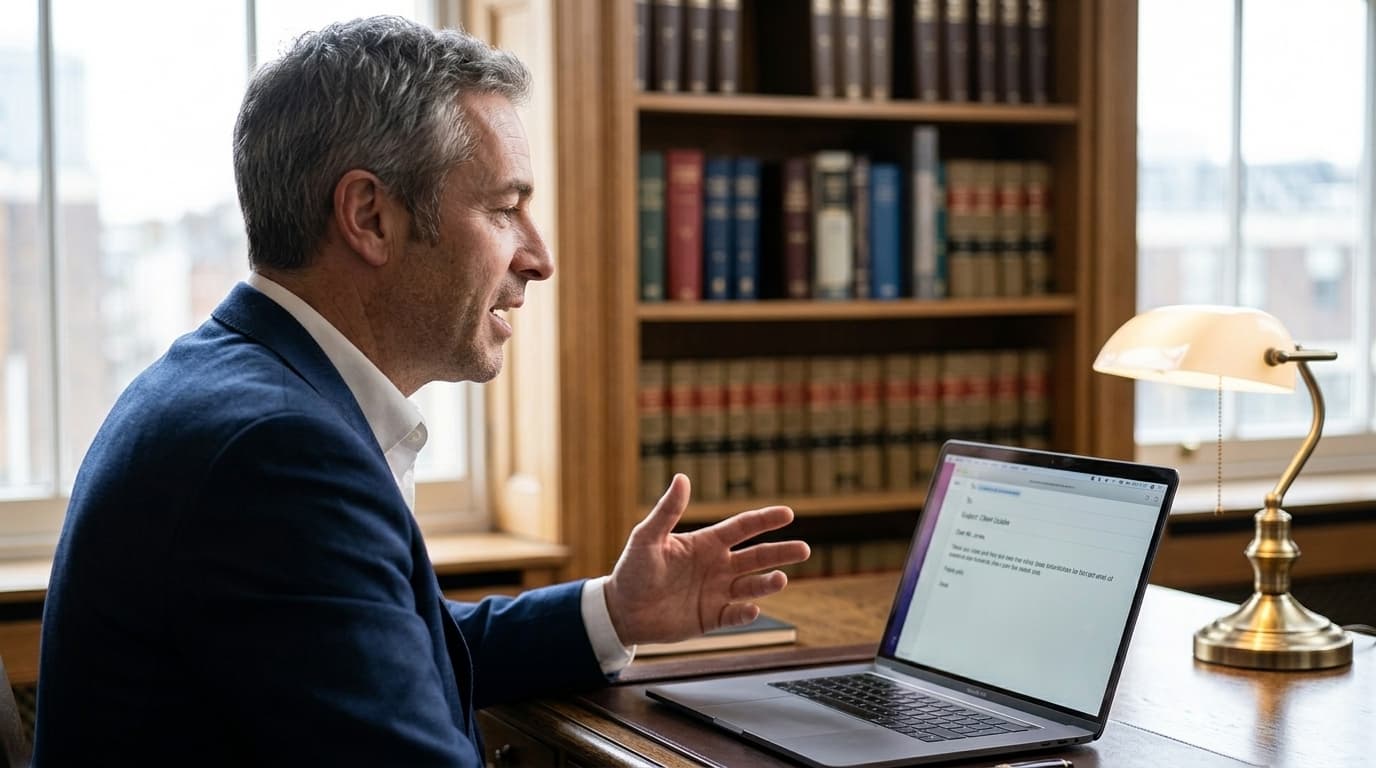
You open Apple Mail and start the day with client replies. Instead of typing each one, you hold your trigger key and speak:
"Thank you for your email regarding the proposed terms of the settlement agreement. I have reviewed the counteroffer and believe we should push back on two points. First, the indemnification clause as drafted is overly broad and would expose your company to liability beyond the scope of this transaction. Second, the non-compete period of 24 months is not enforceable in this jurisdiction. I recommend we propose 12 months with a narrower geographic restriction. I will draft revised language and send it to you by end of day Thursday."
That took about 20 seconds to speak. Smart Format cleans up the transcription automatically. Proper punctuation, capitalization, and clean sentence structure. The email reads like you spent five minutes composing it carefully.
You send it and move on to the next client. Five replies before your first meeting. All dictated, all polished.
Midday: Drafting Documents
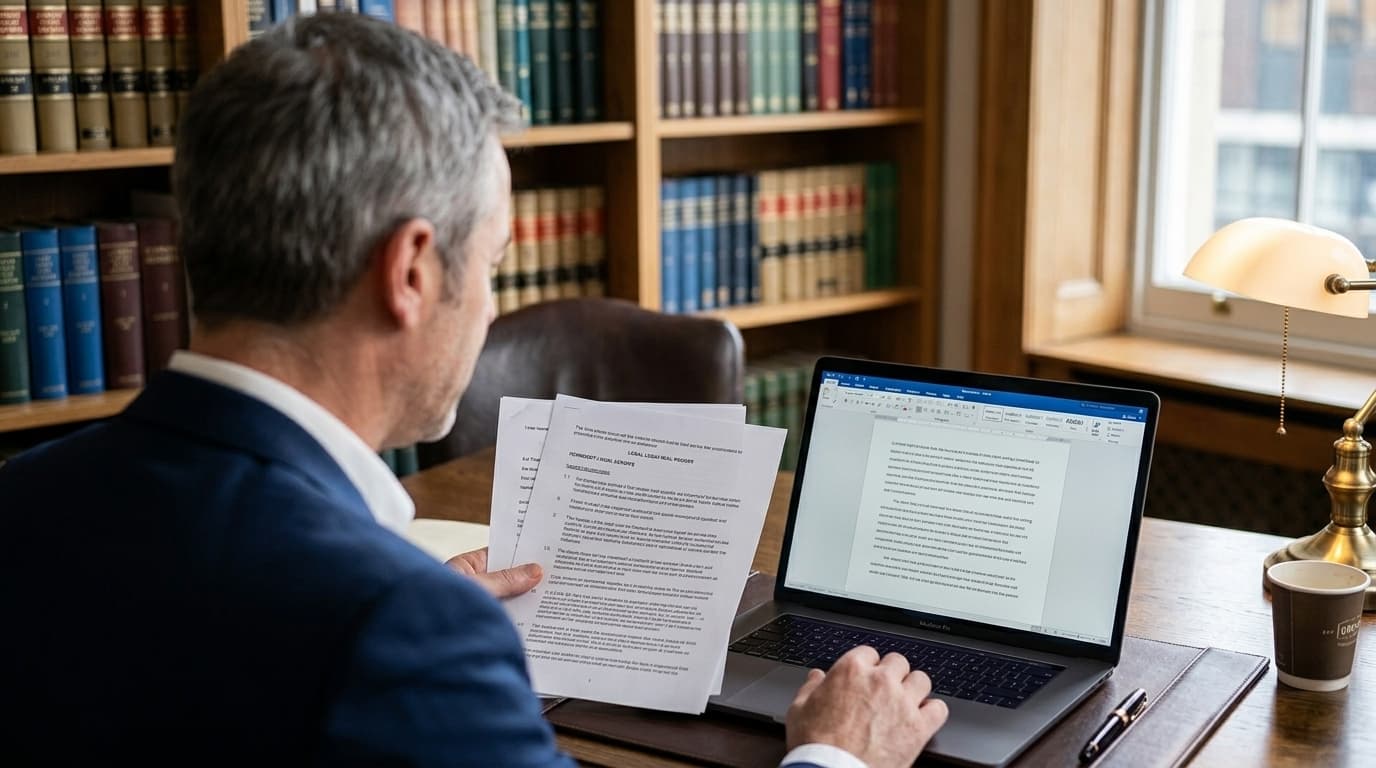
A memo to a partner about case strategy. You open Word and dictate section by section. The analysis, the relevant precedents, your recommended approach. Each dictation becomes one clean paragraph.
A demand letter to opposing counsel. Firm, precise language. Dictated in five minutes instead of typed over thirty.
A contract revision where you need to explain the changes in a cover letter. You dictate the explanation while the markup is fresh in your mind.
Afternoon: Research and Time Entries
You're in Chrome, reading case law. You find a relevant passage and switch to your notes to dictate a summary of the holding and how it supports your argument.
And then the task that nobody likes but everyone needs to do: time entries. Instead of reconstructing your day from memory at 6 PM, you dictate quick entries after each task. "Reviewed and responded to client email regarding settlement terms, 0.3 hours." "Drafted demand letter to opposing counsel, 1.2 hours." "Researched enforceability of non-compete provisions in Quebec, 0.8 hours."
Short dictations. Ten seconds each. Captured while the details are fresh. Over the course of a month, this adds up to significant recovered billing.
The Billable Hours Argument
Here's the ROI case that legal dictation articles rarely make:
Lawyers don't just save time by dictating faster. They capture more billable time because they document it more accurately. When you dictate a time entry immediately after a task, you record the actual work. When you try to reconstruct your day from memory, you undercount.
Studies estimate that lawyers lose 10-30% of billable time to poor documentation. Even recovering half of that loss pays for a dictation tool many times over.

Features That Matter for Lawyers
Smart Format
Legal writing demands precision. Proper punctuation, formal sentence structure, correct capitalization of proper nouns and case names. Smart Format takes your spoken words and formats them into clean, professional prose. No filler words, no false starts. The output reads like carefully typed text.
This is particularly valuable for correspondence. Client emails need to reflect the professionalism of your practice. Smart Format ensures that dictated emails read exactly as you'd want them to.
System-Wide Dictation
Mail. Word. Chrome. Your billing portal. Your case management software. Lawyers move between apps constantly.
FlowDictate works in all of them. One trigger key, every app on your Mac. Text goes directly where your cursor is. No separate dictation window, no copying and pasting between apps.
Custom Words
Legal terminology, case names, statute numbers, and client names can trip up general speech recognition. Custom Words lets you teach FlowDictate your vocabulary. Add the terms you use daily: case names you're working on, opposing counsel names, specific statutes, Latin legal phrases, and terminology from your practice area. Accuracy improves noticeably within the first week.
Magic Edit
A dictated paragraph that needs tightening before sending? Select the text and use Magic Edit. Give a voice instruction: "make this more formal," "shorten this to two sentences," or "rewrite as bullet points." Quick revisions without retyping.
Tips for Lawyers
1. Start with email. Most lawyers send dozens of emails a day. This is where dictation saves the most time immediately. Each email that takes two minutes to type takes thirty seconds to dictate. The math adds up fast.
2. Dictate time entries after every task. Don't wait until end of day. Ten-second dictations captured in the moment are more accurate than reconstructed entries. This is the easiest way to recover lost billing.
3. Build your Custom Words list with case-specific terms. Every new matter brings new names, statutes, and terminology. Spend five minutes adding them to Custom Words at the start of a case. Accuracy for that matter's vocabulary will be near-perfect from then on.
4. Use it for document sections, not entire documents. Dictate a memo one section at a time. The introduction, the analysis, the conclusion. Each dictation becomes one clean block. This produces better results than trying to dictate a ten-page brief in a single stream.
5. Pick a trigger key that doesn't conflict with your apps. Fn or Right Option work well. They're easy to reach and don't interfere with keyboard shortcuts in Word, Mail, or your browser.
Getting Started
FlowDictate is a native app for macOS and Windows 10 & 11 with a 14-day free trial. No credit card required. Setup takes under two minutes:
- Download FlowDictate from flowdictate.com
- Choose your trigger key during setup
- Open Mail, Word, or any app you write in
- Hold the key and start speaking. Smart Format is on by default.
FlowDictate is SOC 2 compliant, runs natively on macOS (Apple Silicon and Intel) and Windows 10 & 11, and costs $12/month on the annual plan. For comparison, Dragon Legal starts at $500+ for a license. Modern dictation doesn't need to cost what it used to.
Try FlowDictate free for 14 days
Draft your next client email in 30 seconds instead of 5 minutes.
Start Free Trial